Presentation Design
Tools: PowerPoint, Keynote, Figma, Google Slides, Photoshop, Illustrator, InDesign
The most used, most seen, and most underestimated part of brand design.
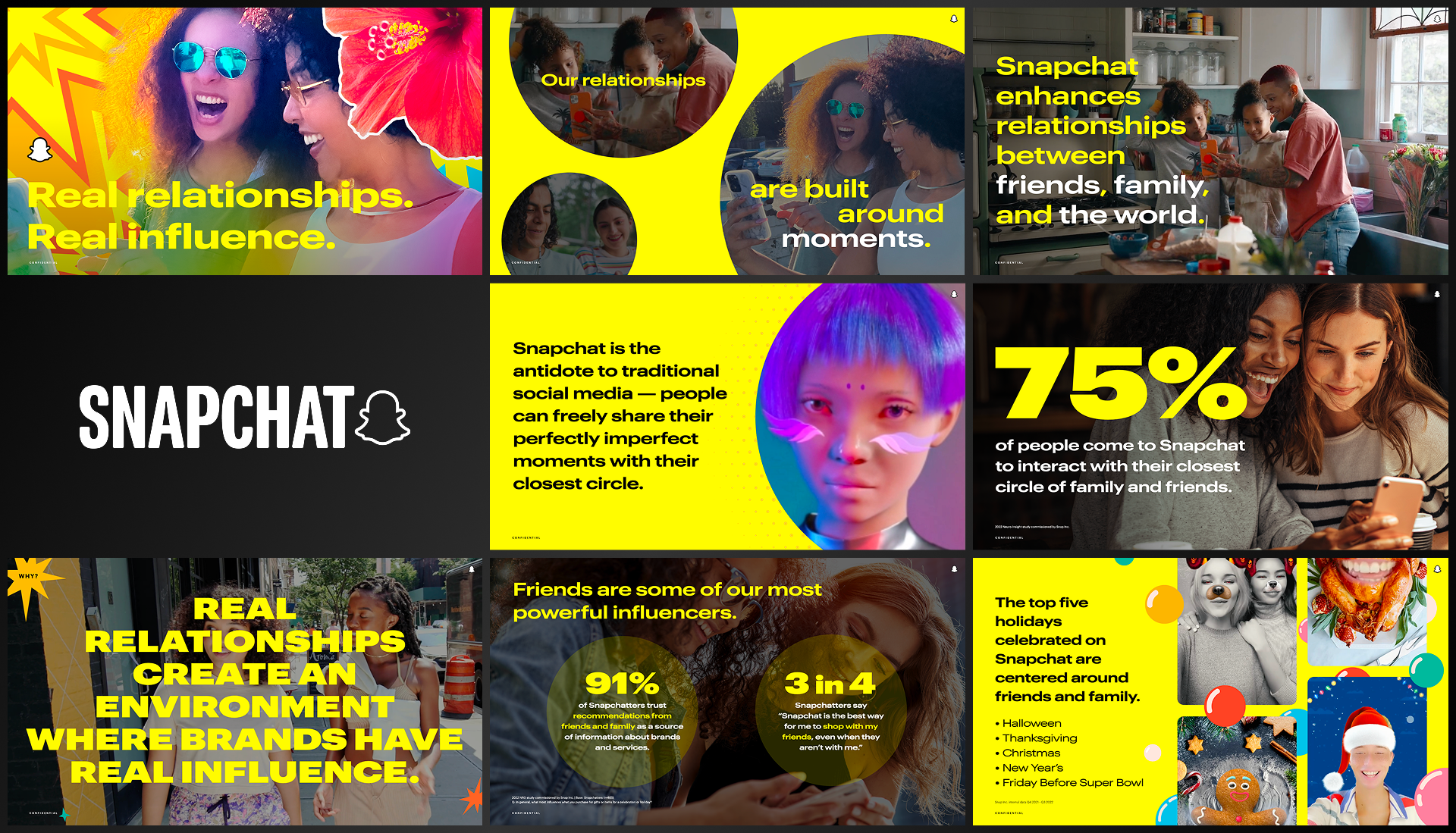
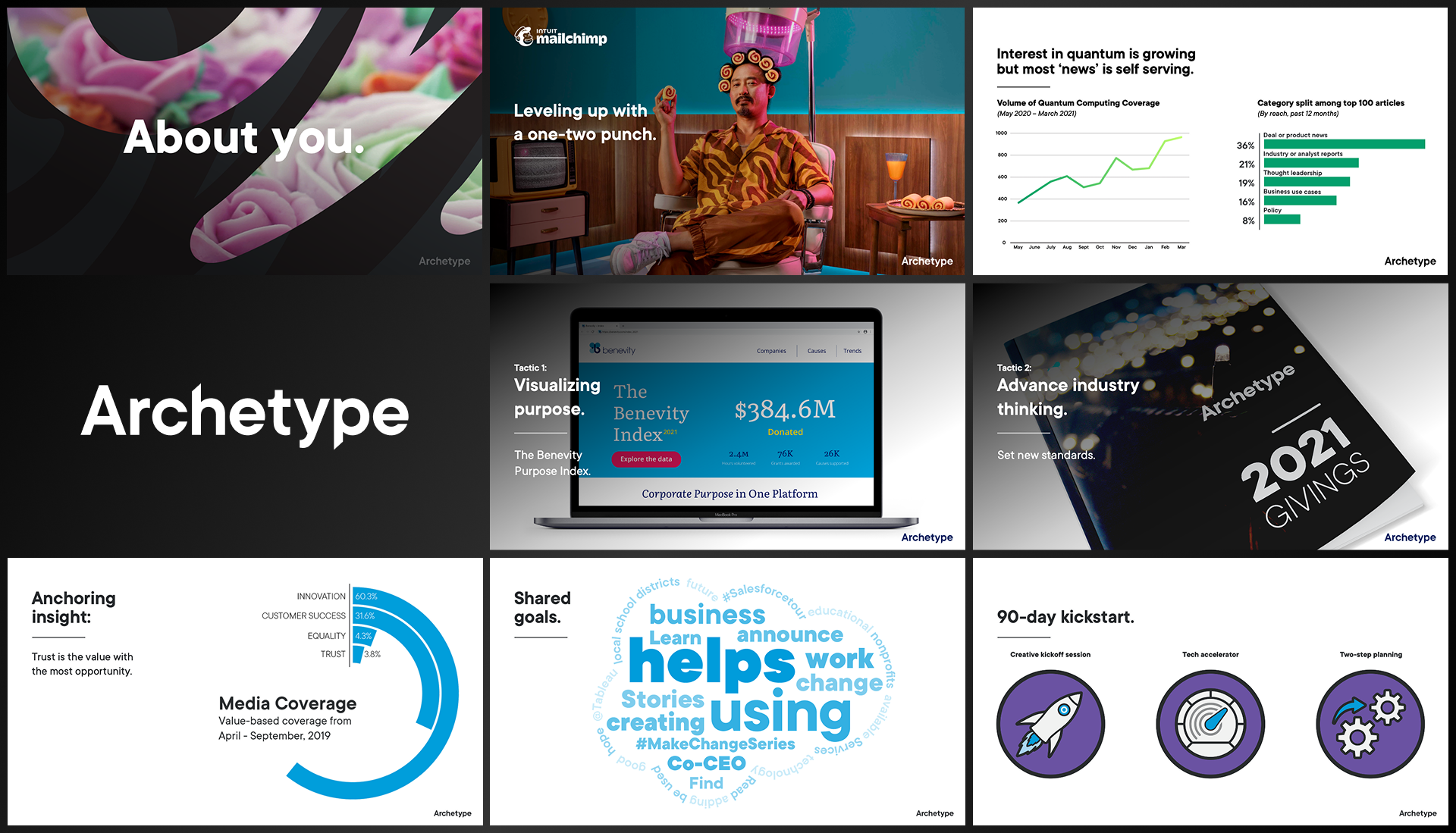
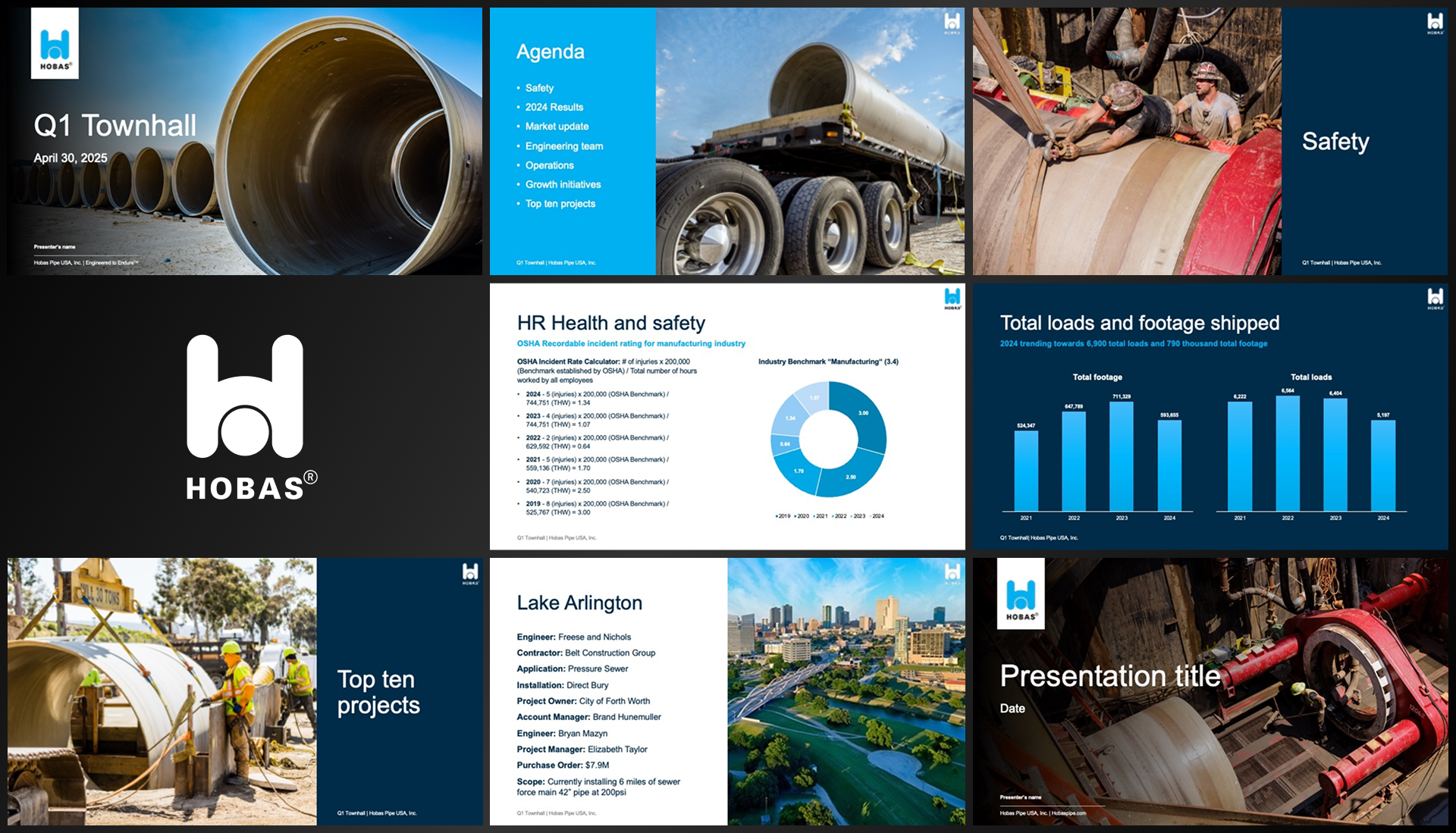
To me, presentation design is probably the most important collateral a company creates. A website or campaign might reach thousands, but presentations are how individuals connect — how employees sell ideas, leaders share visions, and teams align. It’s where brand storytelling becomes personal.
I approach every presentation system like a designer and an anthropologist. I start by ingesting everything I can — brand guidelines, messaging, tone, audience, existing decks, even the quirks of how people actually use them. Then I distill all of it into something clear, stylish, and usable.
My goal is always to make templates that people want to use — elegant but not intimidating, flexible without becoming a mess. I go out of my way to ensure masters exist for all types of content (from complex data to big emotional storytelling), without overcomplicating the file or creating “template fatigue.”
And honestly, I love it. Some people knit — I work on PowerPoint. There’s something deeply satisfying about aligning type, building grids, and watching an organization’s message snap into focus slide by slide.